Create new ETH wallet with MyEtherWallet.com

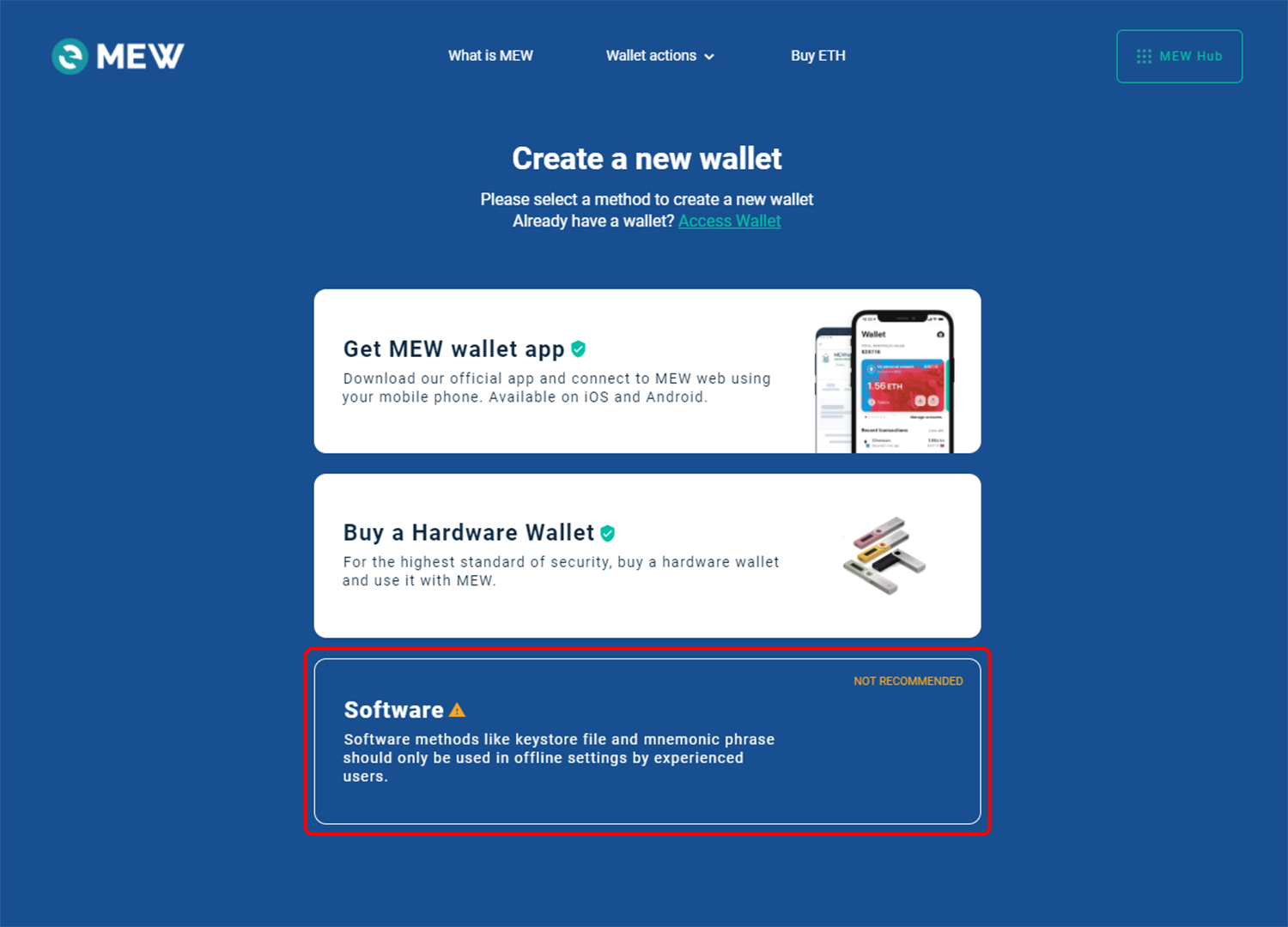
Select Software option from available options.
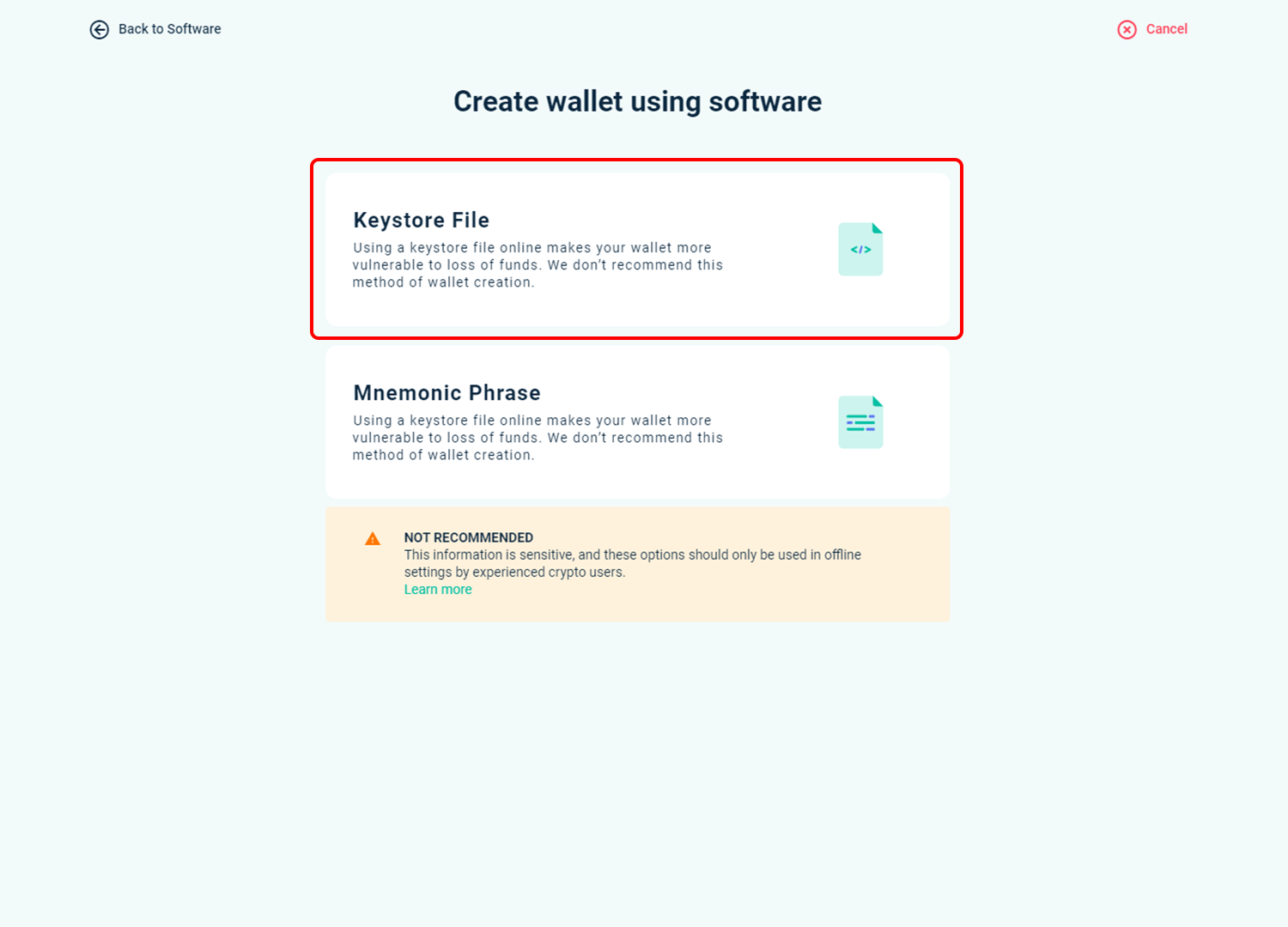
Select Keystore File option from available options.
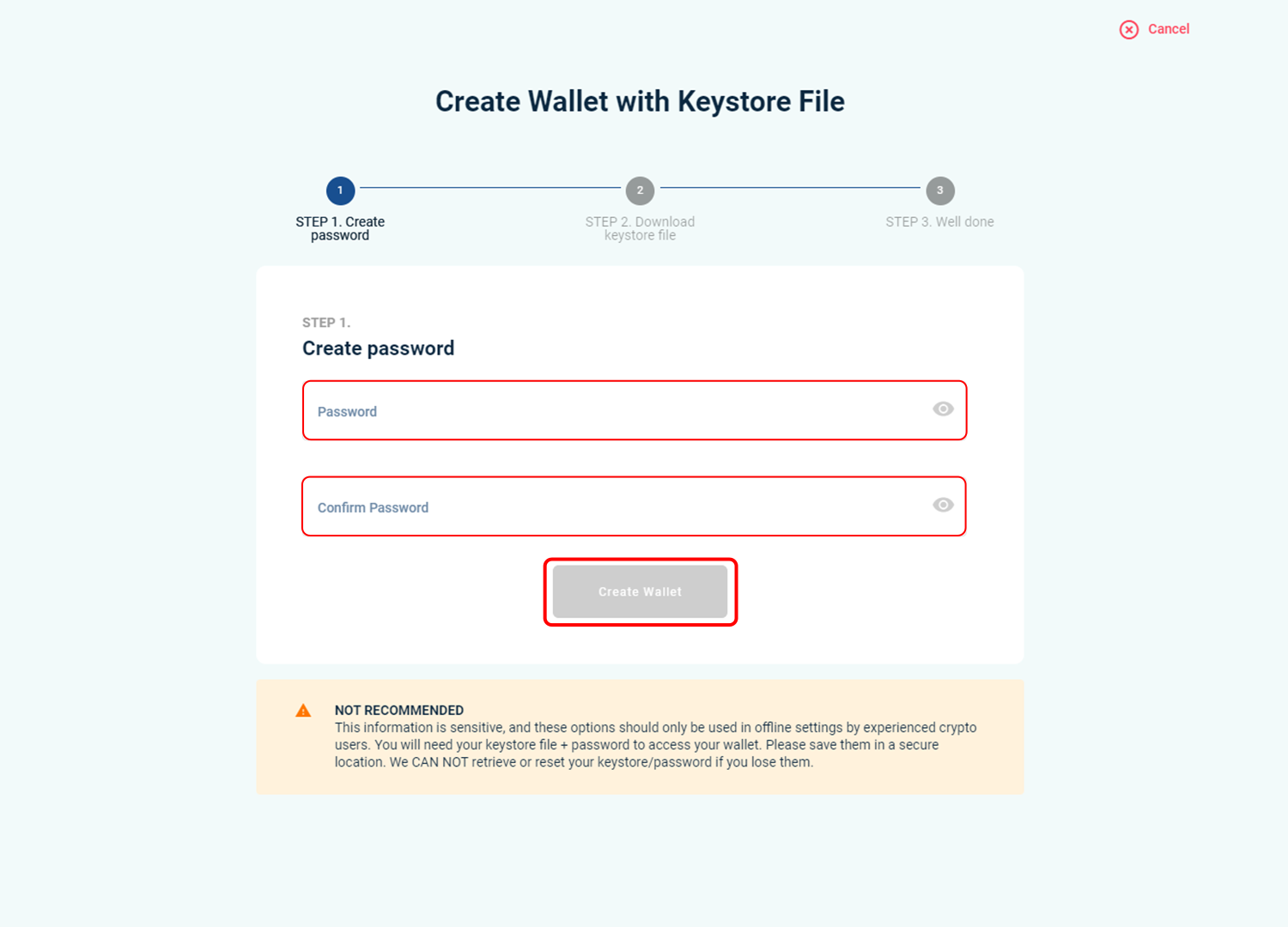
Create a new wallet with keystore and password.
Enter your password, confirm it and click on Create Wallet
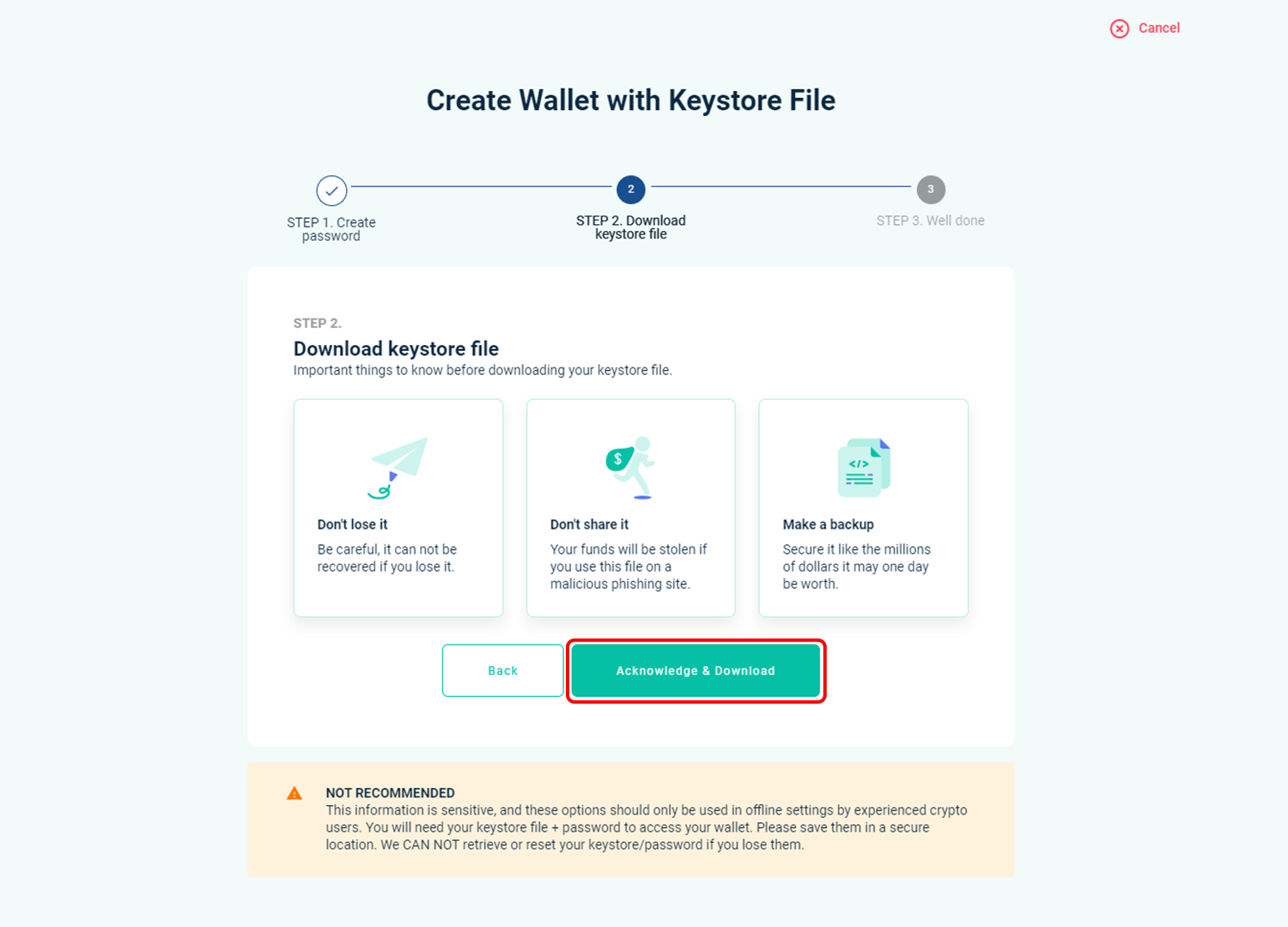
Now click on Download Keystore File and save your file somewhere safe.
You will need your file and password to access your wallet.
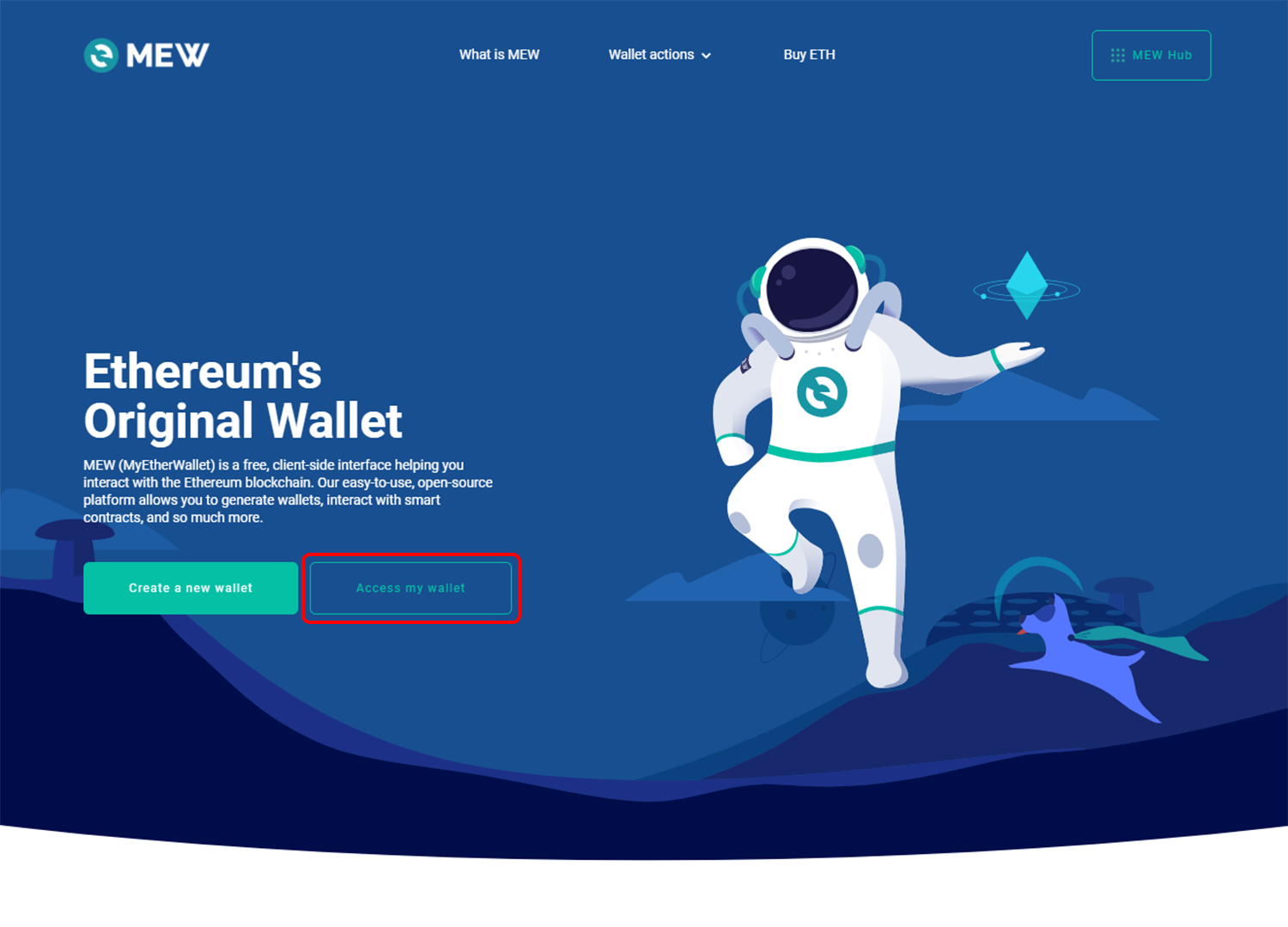
To access your wallet click on Access My Wallet.
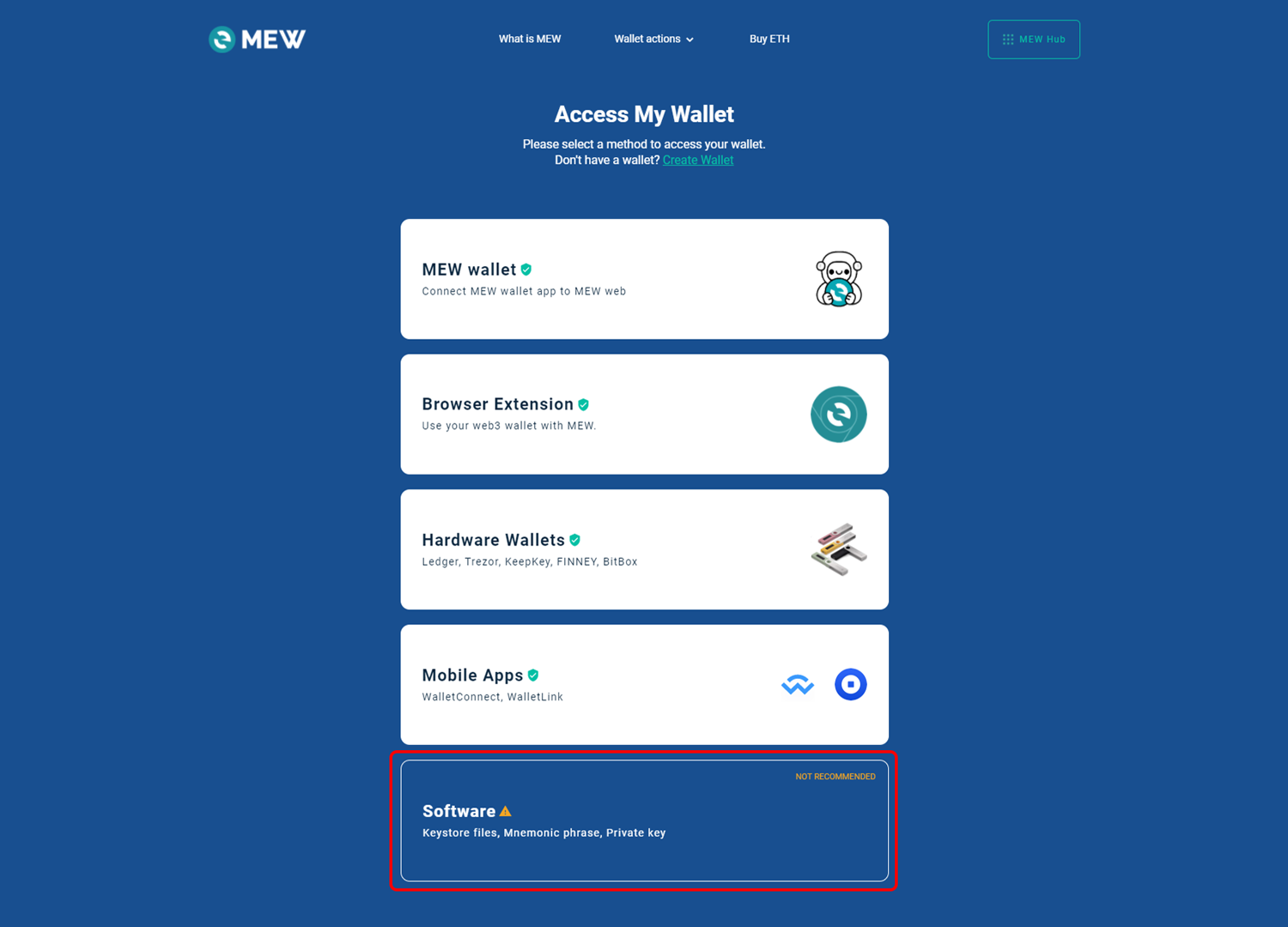
Select Software option from available options.
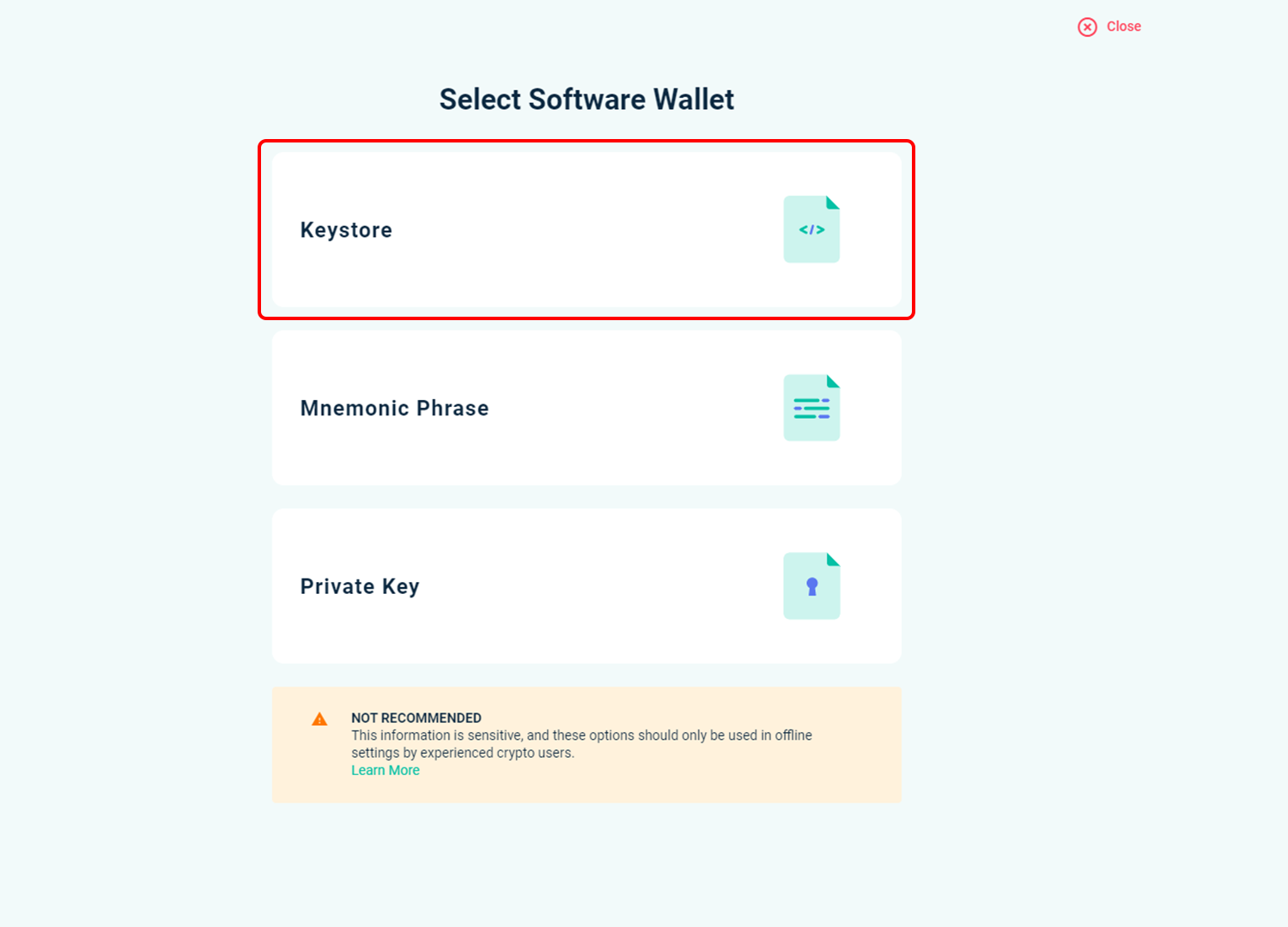
Then click on Keystore file and select your file when asked.
Enter your password and you should now see your wallet.
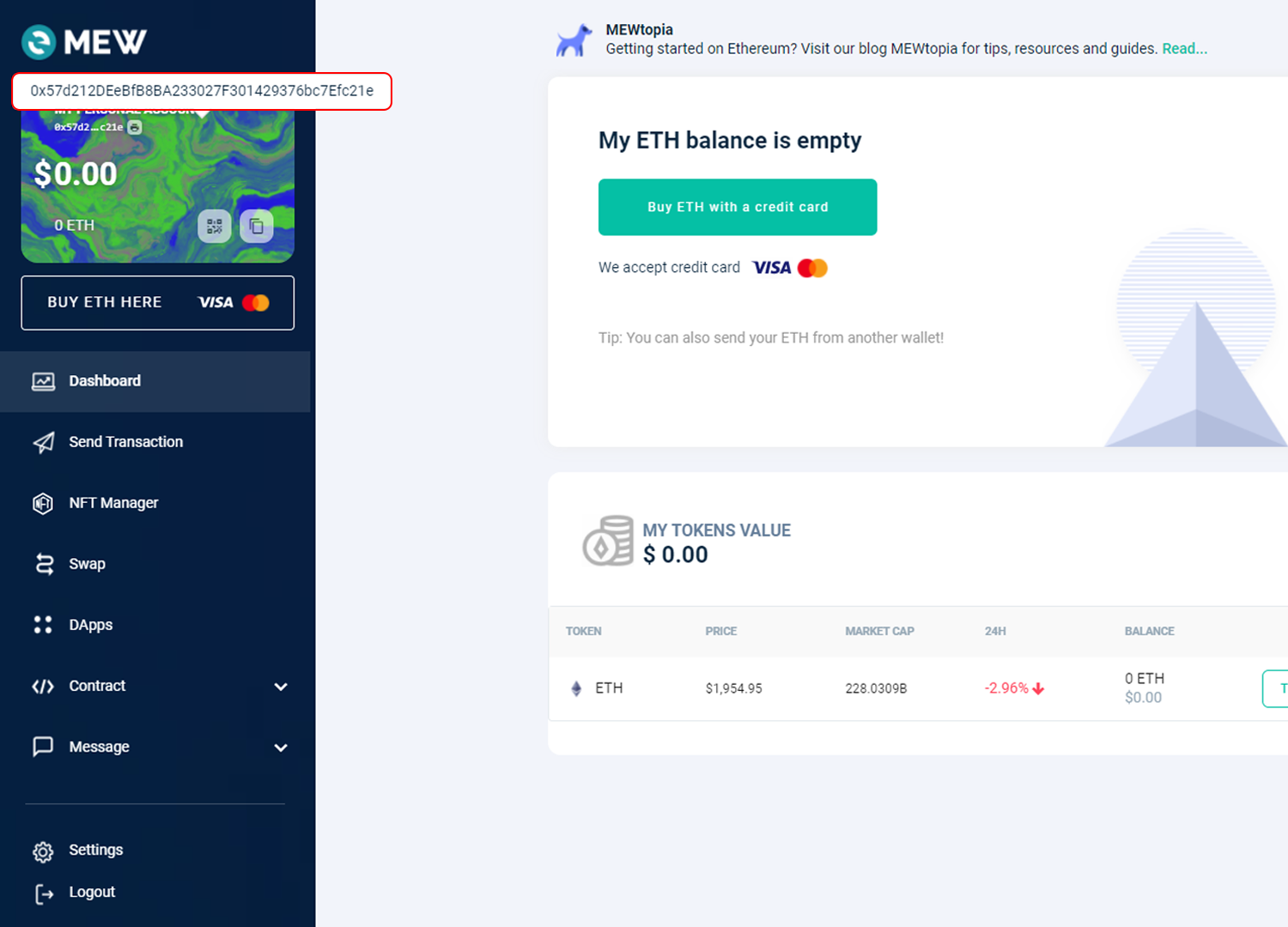
When you are loged in to your wallet, you can see your address on top left.